Make a spec sheet from your product data
Save a product's specs once. SpecIQ fills the spec sheet from them, in your own layout, and you export PDF or Word. When a number changes, update the product and the sheet shows it is out of date.
14 days of Pro, no card needed. Then free, and you keep everything.
What a spec sheet is
A spec sheet is the one or two pages a buyer asks for before they order: what the product is and the numbers that describe it.
- Product name, code and a short description
- Technical parameters with units: dimensions, weight, materials, ratings
- Standards and certificates the product meets
- Packaging, warranty and how to contact you
Real spec sheets made by SpecIQ
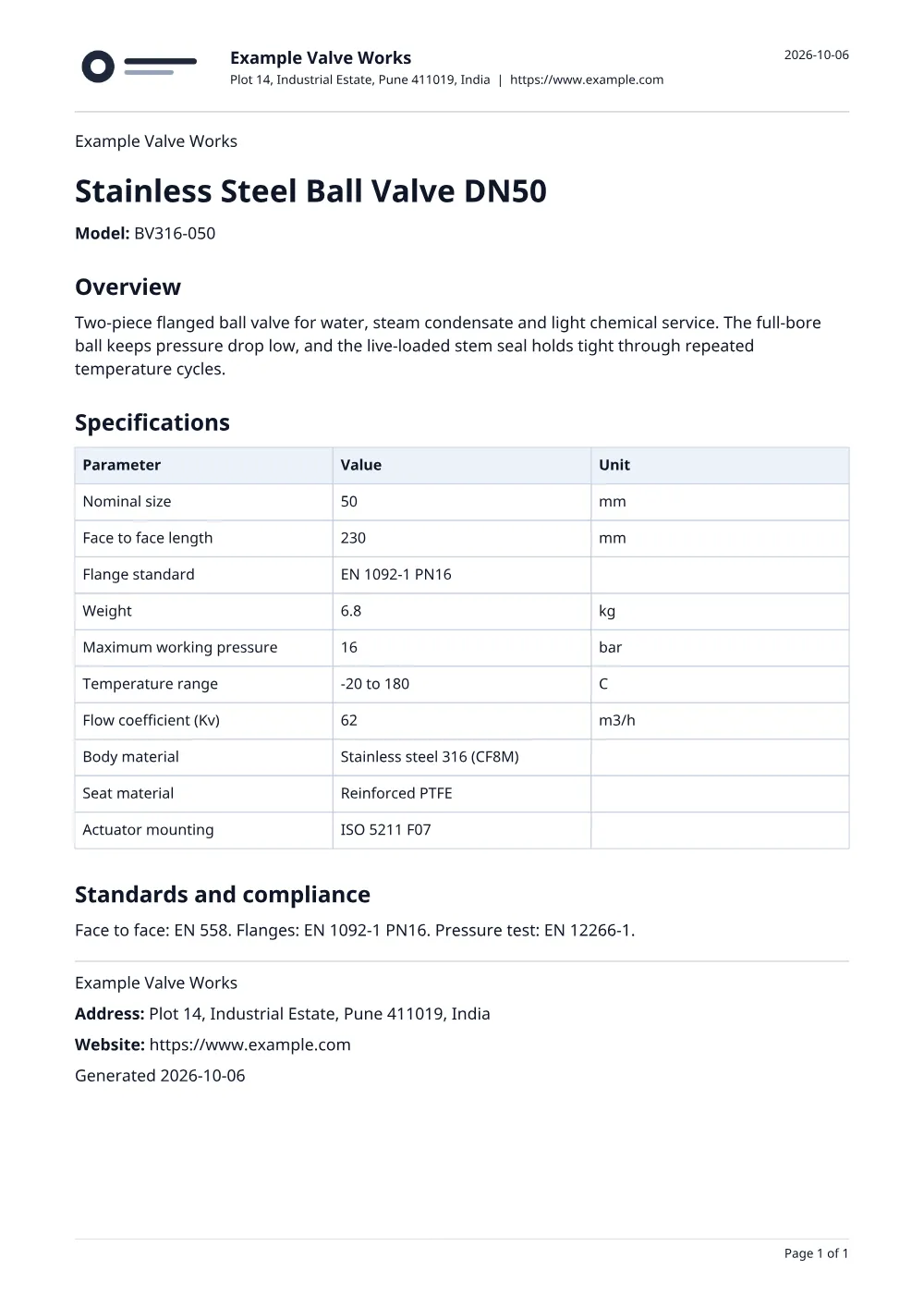
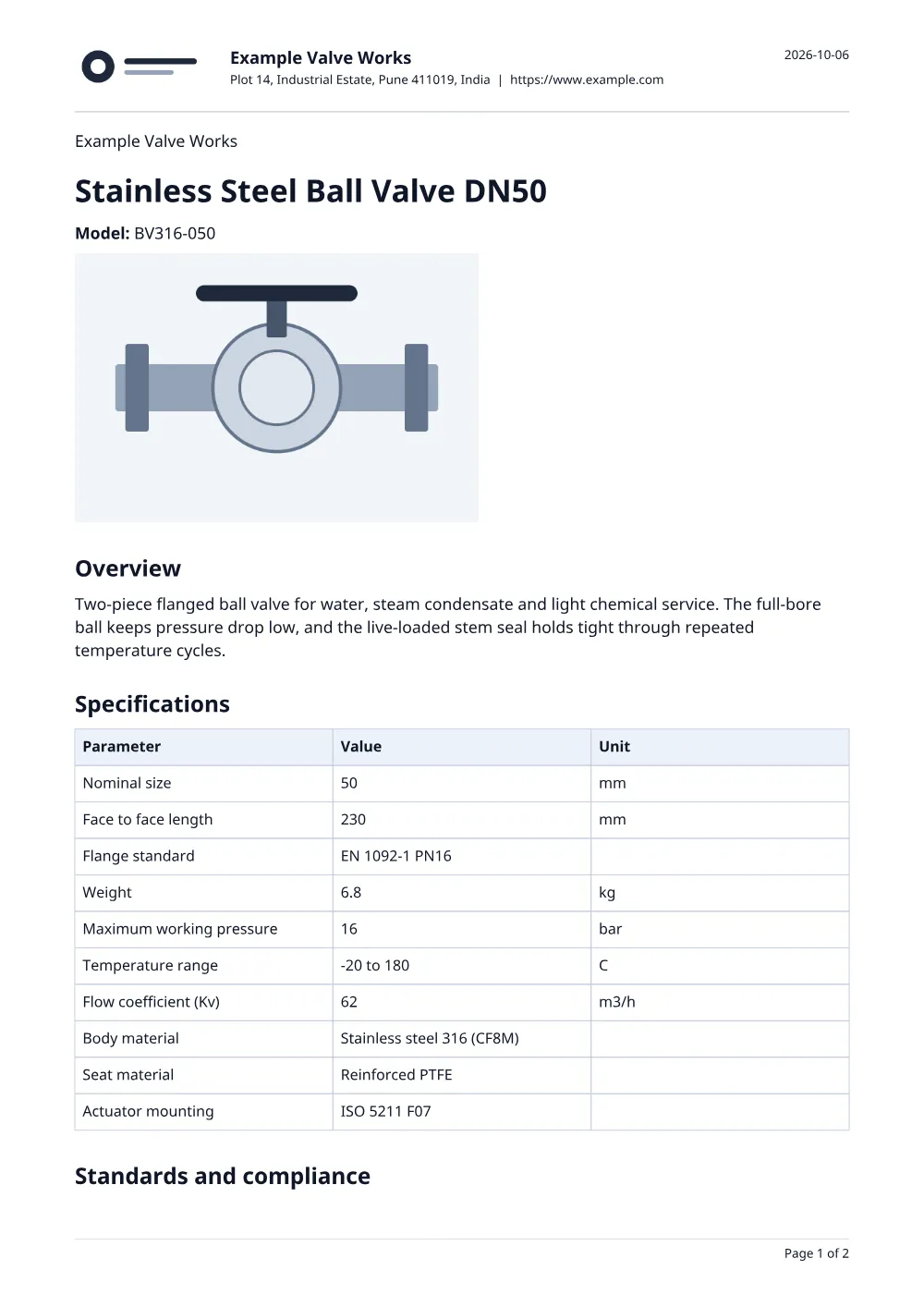
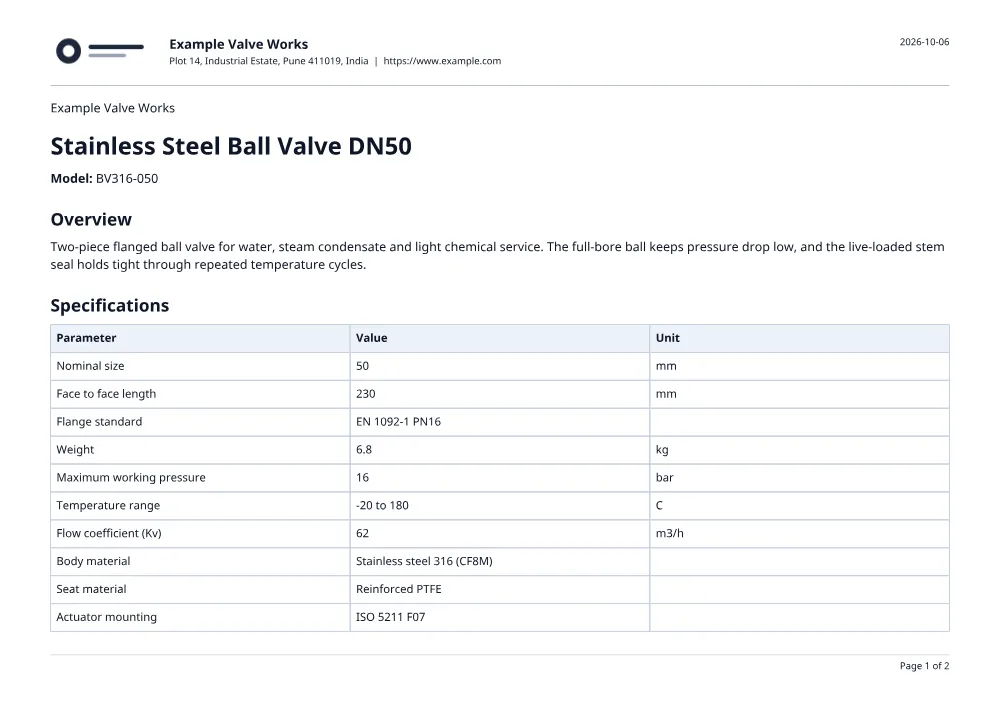
These are page 1 of PDFs exported by SpecIQ from sample product data. Open one to see the whole document.
How it works
Add the product
Type the specs, import a spreadsheet, or upload a datasheet you have and check what was read from it.
Choose your layout
Import your current Word or PDF spec sheet as a template, or start from a ready-made one.
Export or share
Download PDF or Word, or send a link that opens in the browser without an account.
Why not a Word template
With a Word template you retype every product into the file and fix the layout each time. In SpecIQ the numbers live on the product, the layout lives in the template, and the document is filled from both.
The Free plan includes 3 products, so you can try it on real products.
Questions
What information do I need to make a spec sheet?
The product's name, its parameters with units, and any images, certificates and standards you want to show. You can start with a few fields: SpecIQ asks for missing ones when you preview the document, and saves your answers back to the product.
Can I use my own spec sheet layout?
Yes. Upload your Word or PDF spec sheet and it becomes a template. You can also start from a ready-made spec sheet template and edit it.
Does AI write the spec sheet?
No. The sheet is filled from the data you saved. AI is optional: it can read a datasheet you upload to fill the product, or suggest parameters for you to accept or reject.
How is this different from a Word template?
With a Word template you retype every product into the file and fix the layout each time. In SpecIQ the product data is saved once, the layout is a template, and the document is filled from both. When a number changes the document shows it is out of date.
Can I make spec sheets for many products?
Yes. The Free plan includes 3 products, Starter 25 products, Pro 250 products. Bulk generation, which makes a ZIP of documents for many products, is on Pro and Business.
Make your first spec sheet
14 days of Pro, no card needed. Then free, and you keep everything.